
7 Best Photo Frame Apps Every Android or Apple Phone User Must Have
Feb
Photos are more than just images on a screen; they’re moments frozen in time. A childhood smile, a wedding day glance, a faded photograph found in an old album—each picture holds emotion, memory, and meaning.
That’s exactly why photo frame apps have become so popular today.
They don’t just beautify pictures; they help preserve stories.
Whether you’re trying to restore an old, tattered photograph, enhance a recent snapshot, or give your image a frame that makes it feel complete, the best photo frame apps make the process effortless.
With just a few taps, you can transform ordinary pictures into framed keepsakes, social-media-ready visuals, or even artwork-inspired compositions.
In this blog, we’ll explore what photo frame apps do, why you should use them, and review some of the best photo frame apps for Android and Apple devices.
1. YouCam Perfect
If you’re looking for a photo editing app that combines beauty tools with elegant framing options, YouCam Perfect is a strong place to start.
This app is widely known for its portrait-enhancing features, but its add photo frame app capabilities deserve just as much attention.
You’ll find clean, modern frames that work well for selfies, family photos, and lifestyle images.
The frames don’t overpower your picture; they complement it.
What makes YouCam Perfect stand out is how easy it is to polish an image before framing it. You can adjust lighting, remove blemishes, and even clean up backgrounds.
For users who want a quick yet refined result, YouCam Perfect feels intuitive and satisfying.
(Also Read: How to Create a Photo Diary)
2. Picsart
When creativity is the goal, Picsart is one of the most popular photo frame apps out there.
This app goes far beyond basic borders. It allows you to mix frames with stickers, overlays, artistic effects, and custom edits.
If you enjoy experimenting or want your framed photo to tell a story, Picsart gives you complete freedom.
Its picture frame app features range from minimal borders to bold, decorative frames that feel playful and expressive.
You can layer effects, add textures, and turn simple photos into visually rich compositions.
For people restoring old photos, Picsart can be especially helpful. You can enhance contrast, adjust color tones, and then frame the image in a way that makes it feel intentional, almost like a piece of art rather than a forgotten photo.
3. PicFrame
Sometimes, simplicity is exactly what you need, and that’s where PicFrame shines.
PicFrame is a classic picture frame app designed for clean layouts and multi-photo framing.
If you want to place several images together, let’s say, a family timeline or travel memories, this app does it beautifully.
You can choose from various layouts, spacing options, and frame styles without feeling overwhelmed.
The focus remains on the photos themselves, which makes PicFrame a great choice for meaningful moments that don’t need heavy editing.
For users who want a straightforward photo frame app that delivers elegant results without distractions, PicFrame is a dependable option, especially for printing or sharing framed memories with loved ones.
(Suggested Read: How to Memorialize Loved Ones Through Art)
4. Framify

As the name suggests, Framify is all about frames. This app focuses specifically on offering a wide range of frame styles, from modern and minimal to decorative and classic.
If your main intention is to find a reliable add photo frame app without complicated editing tools, Framify fits the bill.
Framify works particularly well for special occasions. Birthdays, anniversaries, holidays, adding the right frame instantly gives your photo context and warmth.
A simple picture becomes something worth saving, sharing, or even printing.
For people preserving old photographs, using a subtle, classic frame can make a worn image feel respected and complete, almost like restoring it for display rather than just storage.
5. Inshot
Most people recognize InShot as a video editing app, but its photo editing and framing features are surprisingly useful.
InShot offers clean borders, background frames, and resizing options that work well for social media and digital albums.
It’s especially popular among users who want quick edits that still look polished.
As a photo editing app, InShot allows you to adjust brightness, contrast, and sharpness before framing the image.
This makes it suitable for enhancing slightly faded photos before giving them a modern frame.
If you enjoy sharing framed memories online without spending too much time editing, InShot delivers fast, reliable results.
(Recommended: Print vs. Painting)
6. PhotoDirector

For users who want advanced editing combined with framing, PhotoDirector is a powerful choice.
This app offers professional-grade tools for restoring photos, adjusting colors, sharpening details, and improving clarity.
Once your image is enhanced, you can apply frames that give it structure and balance.
PhotoDirector stands out for people working with old or damaged photos.
You can breathe new life into an image and then frame it in a way that makes it feel worthy of display.
It’s not just about decoration here; it’s about preservation. Turning an old photo into a well-edited, framed image can feel like saving a memory from being lost.
7. InFrame
InFrame is a minimal yet effective photo frame app that focuses on modern, clean aesthetics.
The app offers a variety of stylish borders and frames that work especially well for portraits and lifestyle images.
Its layouts feel intentional, making your photos look curated rather than casually edited.
InFrame is perfect for users who appreciate subtle design.
The frames enhance the photo without stealing attention from the emotion within it.
For everyday memories, coffee dates, family moments, quiet evenings, InFrame helps you turn simple pictures into visually pleasing keepsakes.
Alternative to Photo Frame Apps
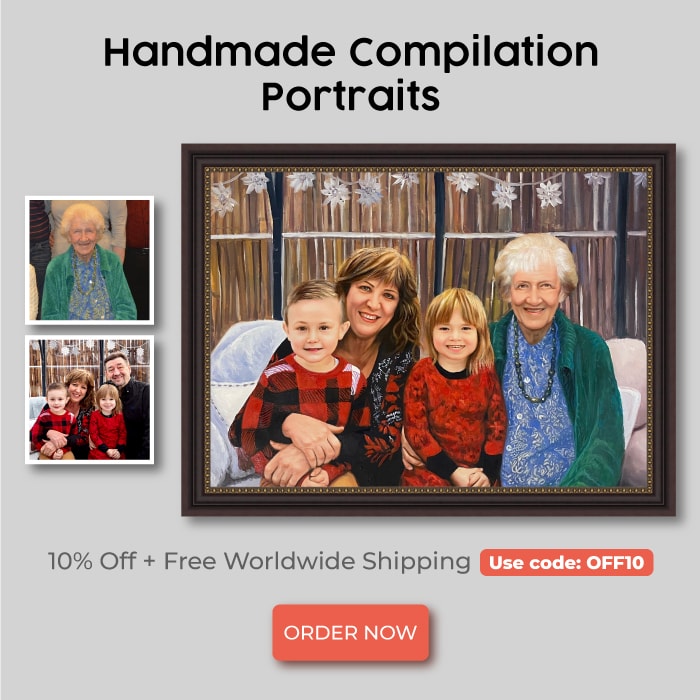
While apps are great for digital framing, some memories deserve something more permanent, and that’s where PortraitFlip stands apart.
PortraitFlip is not a typical photo frame app. It’s a website that transforms your photos into handcrafted paintings using different artistic mediums such as pencil sketches, charcoal drawings, watercolor paintings, oil paintings, and more.
Now, the question will appear “Is it worth considering a handmade painting?”
The short answer is ‘Yes’.
Because paintings carry a different kind of emotion. A framed photo is beautiful, but a painting turns that photo into art.
It adds depth, texture, and timelessness.
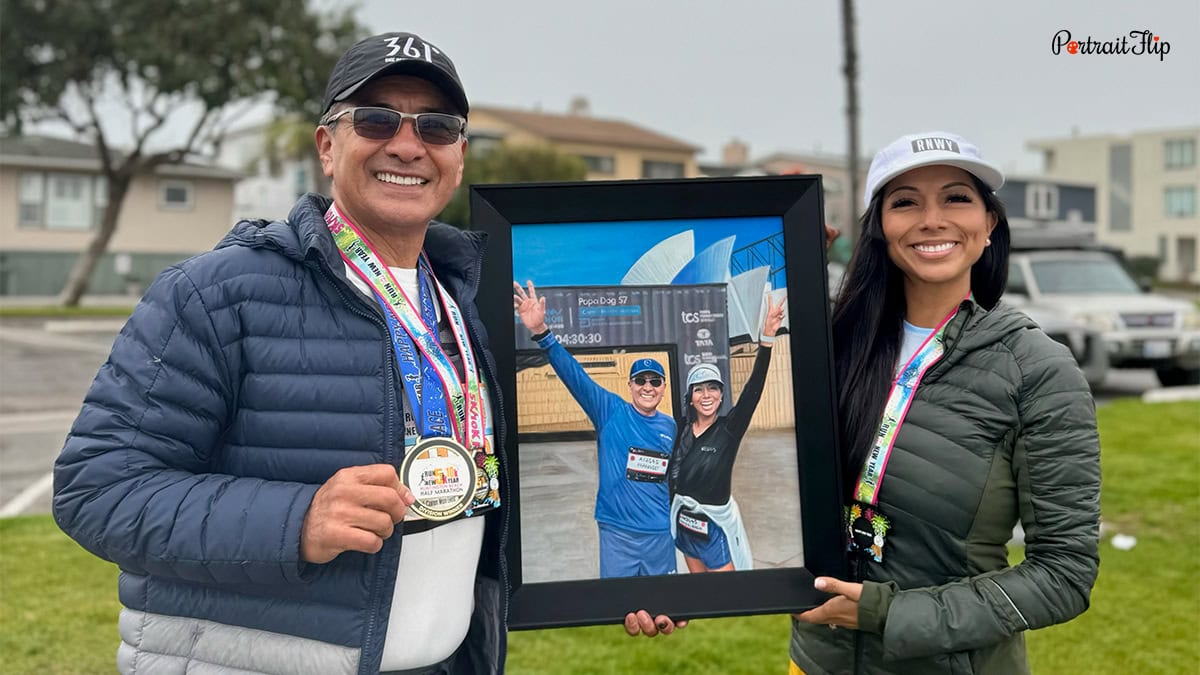
A childhood picture, a wedding portrait, or a photo of parents becomes more than an image; it becomes a legacy.
PortraitFlip bridges the gap between digital memories and physical art.
While photo frame apps help enhance and organize your images, PortraitFlip helps preserve them in a form that can be displayed on walls, passed down through generations, and cherished for years.
If you’re someone who believes memories deserve permanence, not just storage, PortraitFlip is a meaningful next step beyond digital framing.
Conclusion
In a world where thousands of photos live quietly in our phones, photo frame apps help us pause, reflect, and give those images the attention they deserve.
Whether you’re using the best photo frame apps to enhance everyday pictures, restore old photographs, or organize memories into beautiful layouts, these tools make storytelling easier.
Frames give photos context. They highlight emotion. They turn moments into keepsakes. And when you’re ready to go beyond digital, when a memory feels too important to stay on a screen, turning a photo into a painting through platforms like PortraitFlip adds a layer of meaning no app can replicate.
Because memories aren’t meant to fade. They’re meant to be framed, celebrated, and preserved beautifully.
